Jump to content
View in the app

A better way to browse. Learn more.

Scrap Mechanic Russia

A full-screen app on your home screen with push notifications, badges and more.

To install this app on iOS and iPadOS
  1. Tap the Share icon in Safari
  2. Scroll the menu and tap Add to Home Screen.
  3. Tap Add in the top-right corner.
To install this app on Android
  1. Tap the 3-dot menu (⋮) in the top-right corner of the browser.
  2. Tap Add to Home screen or Install app.
  3. Confirm by tapping Install.

7 Screenshots

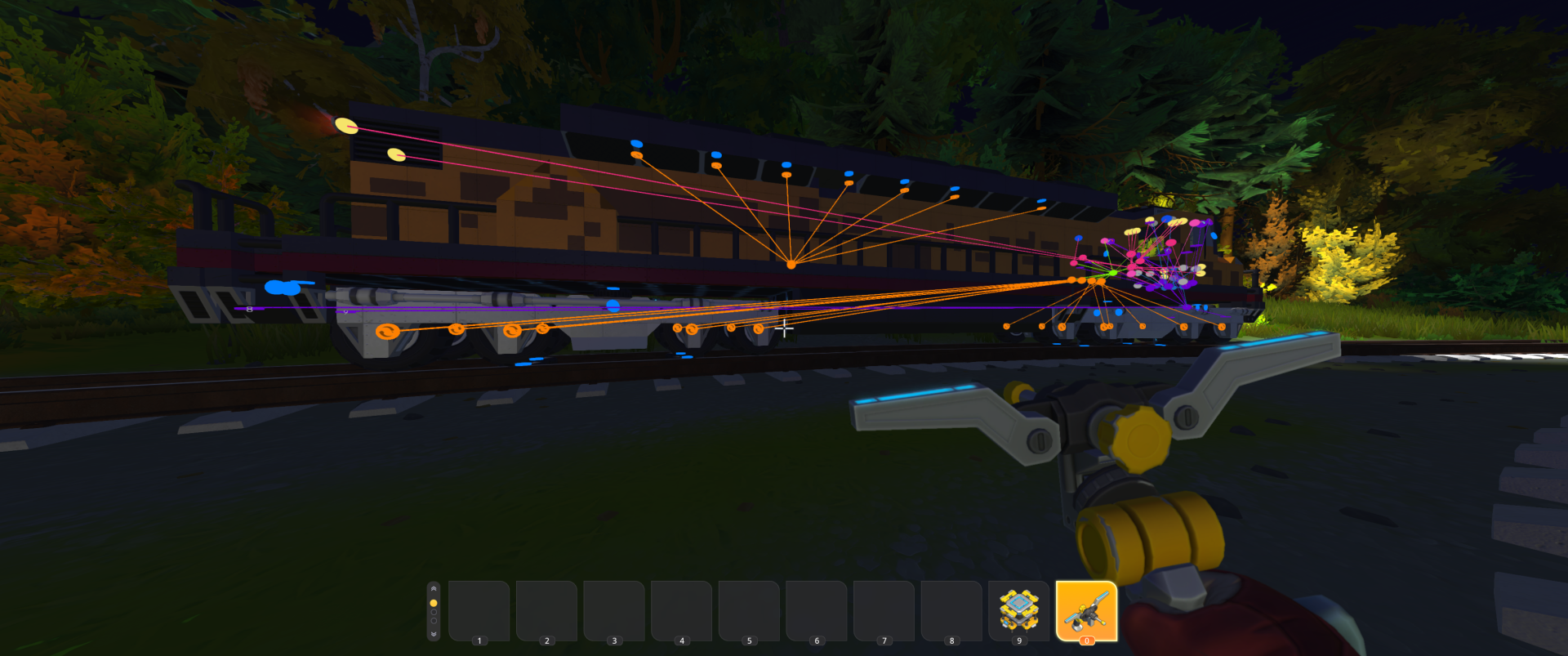
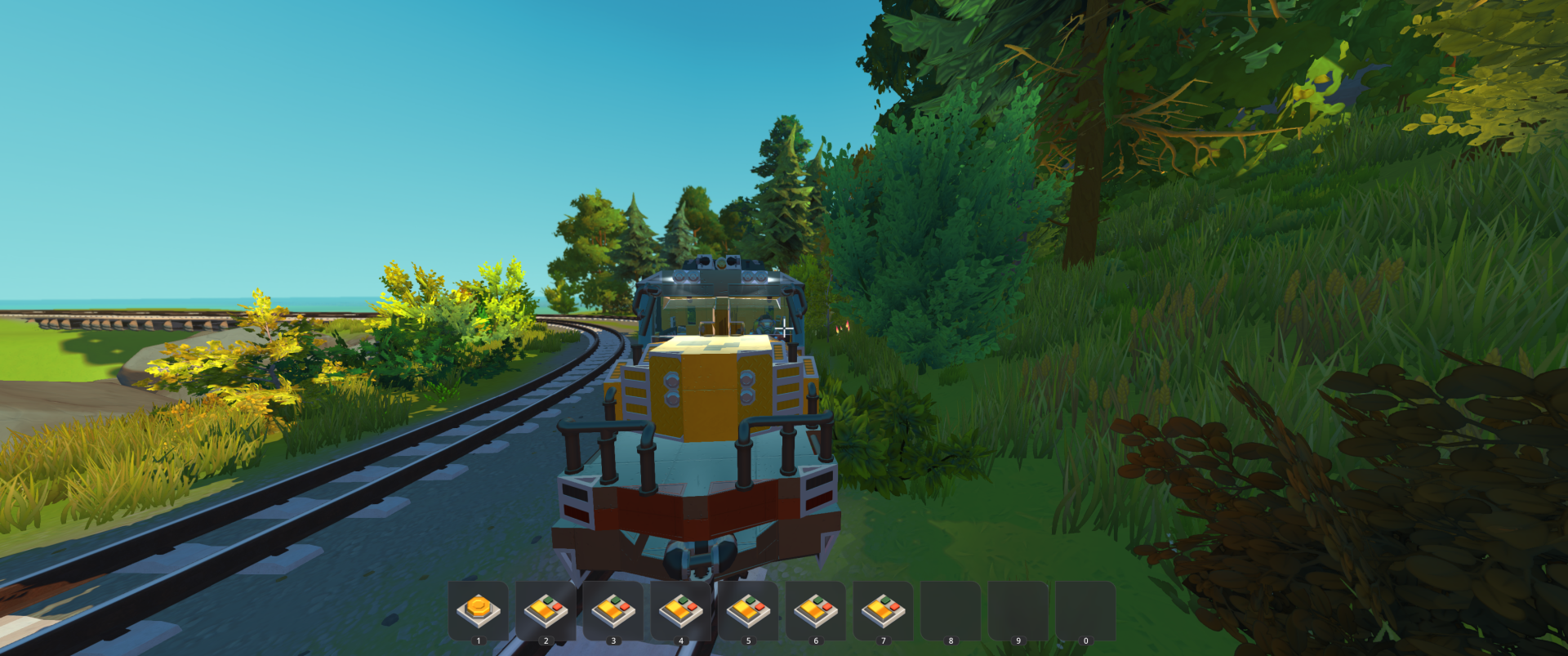
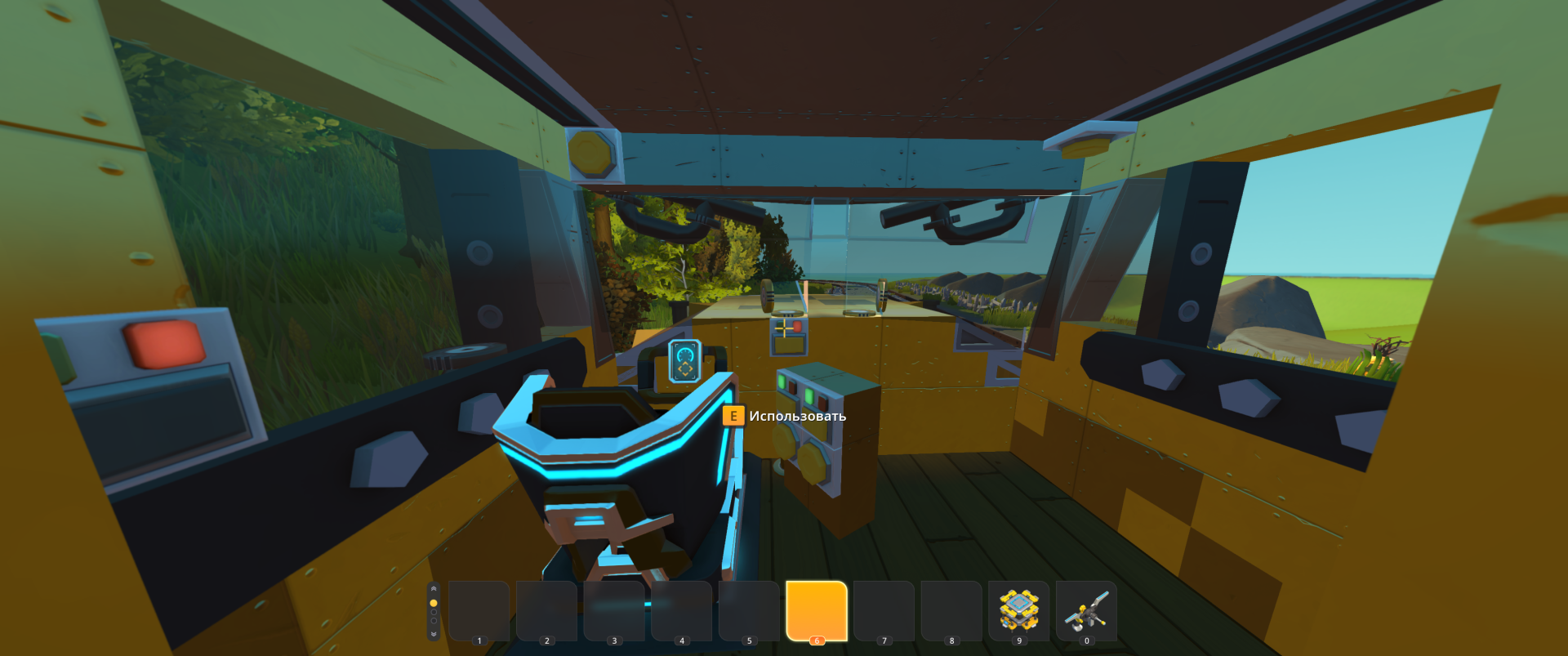
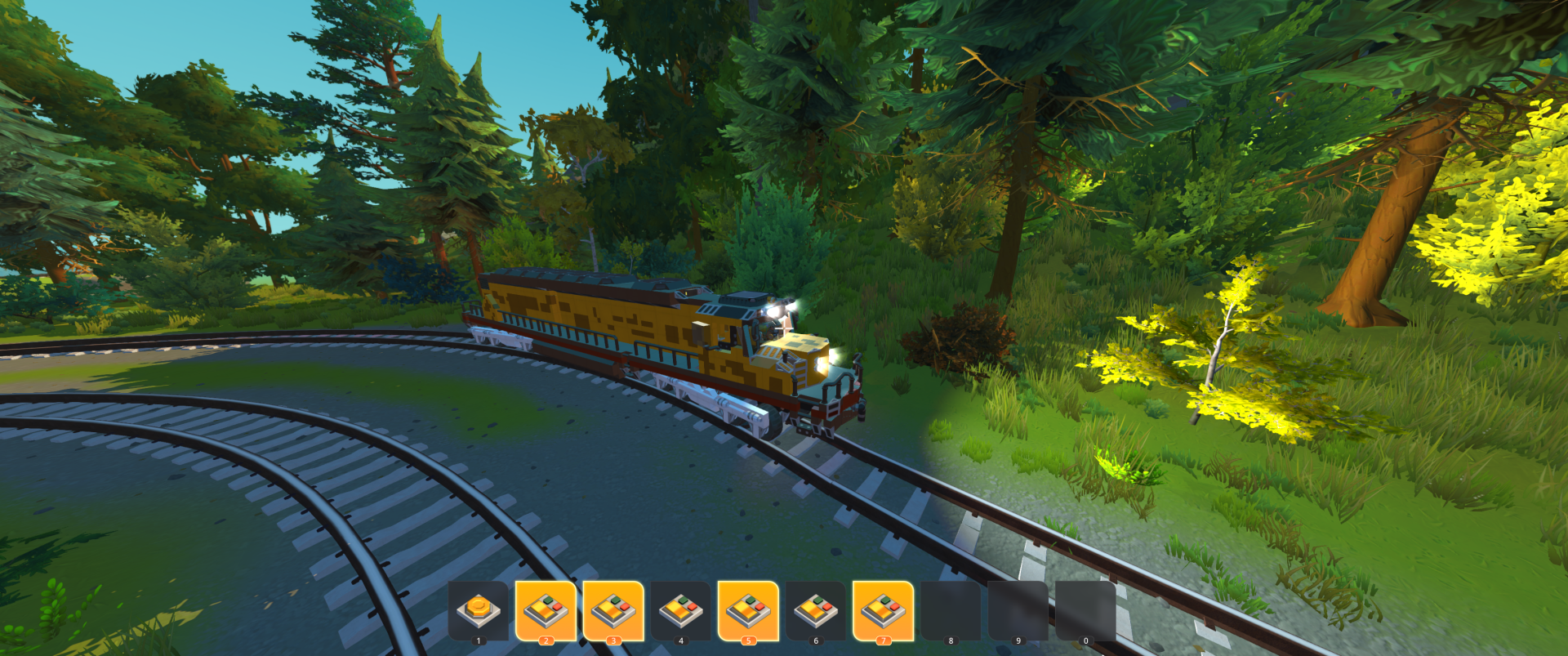
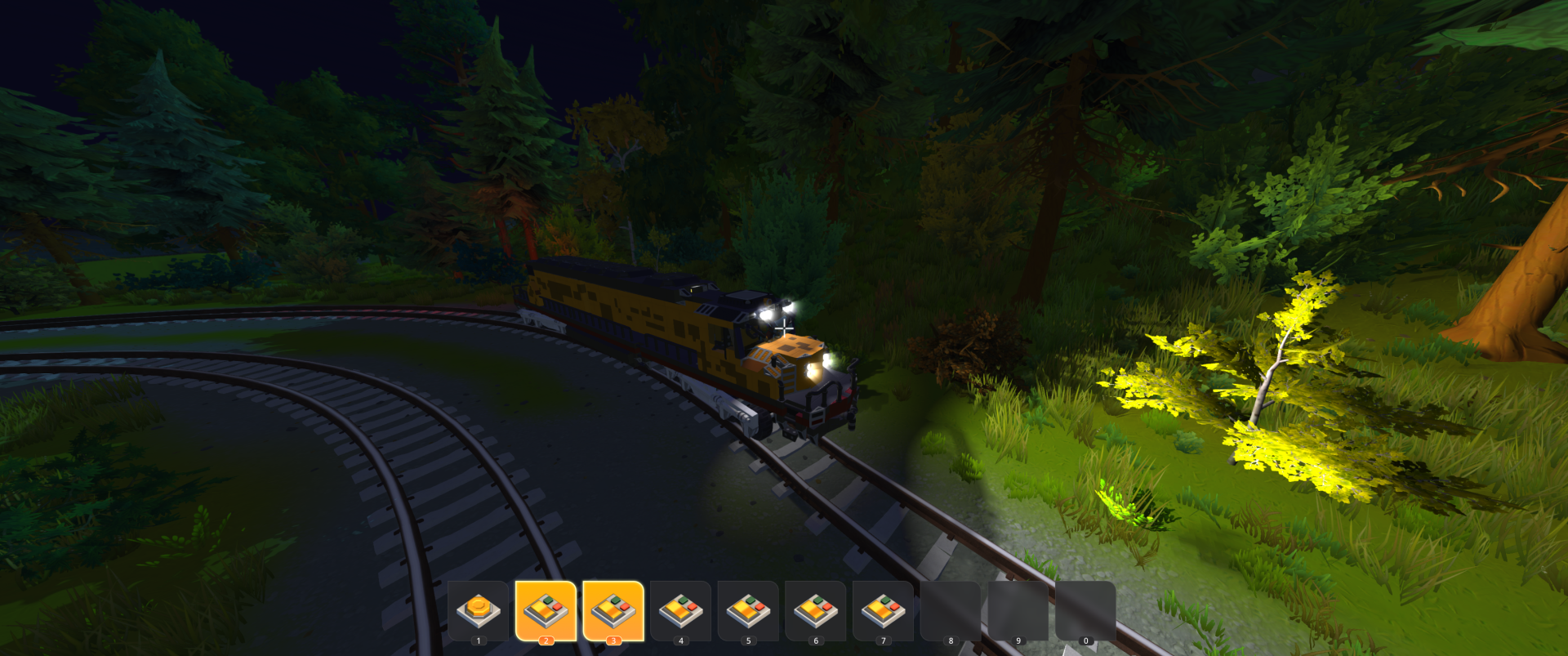
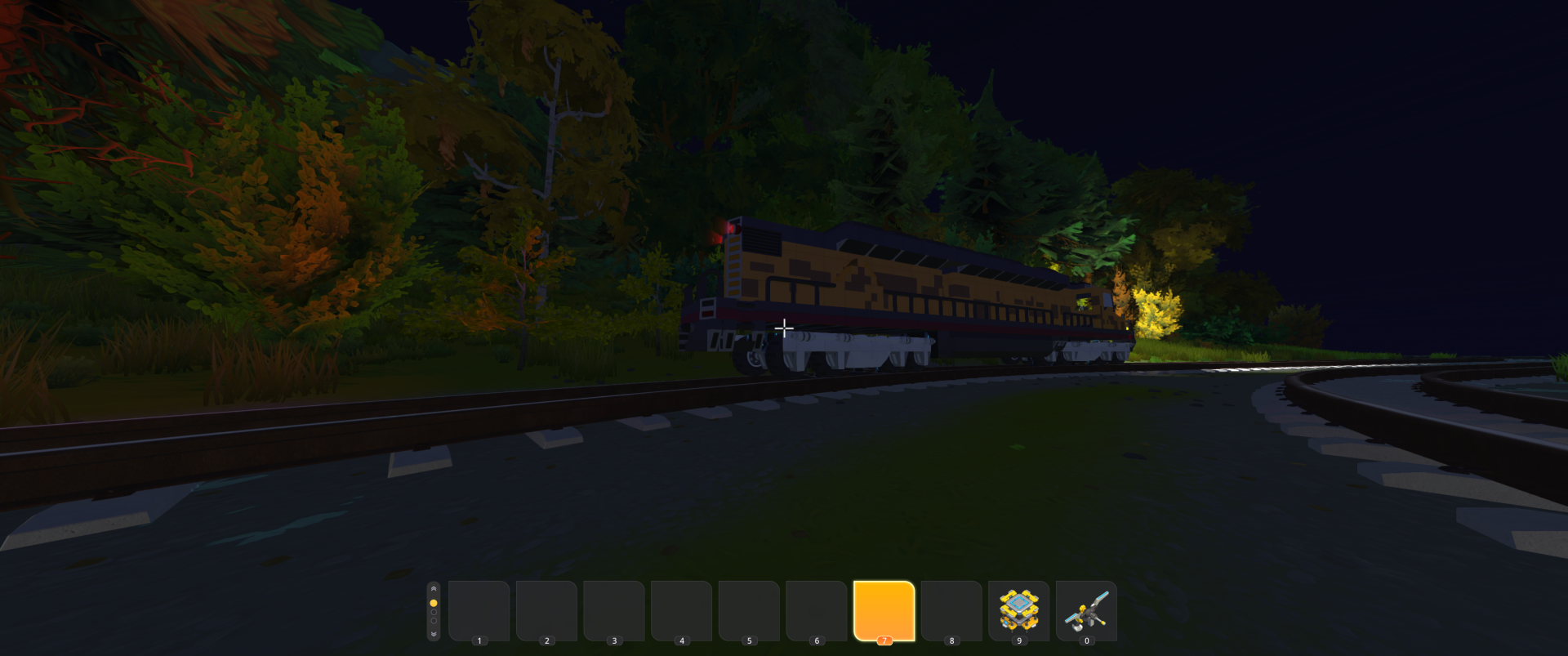
Этот мощный локомотив отличается высокой скоростью. Он создан без использования модов, за исключением помощника.

Локомотив очень тяжёлый, но способен тянуть множество вагонов. Лестница работает, если у вас нет предмета в руке. На высокой физике он не переворачивается, но из-за веса может возникать лаги.

Если у вас мощный компьютер, рекомендую играть на высокой физике. Если ПК слабее, выбирайте уровень до 7.

Edited by MrShandy
Исправление ошибок, стиля и инструкции


Инструкция

  1. Нажимаем win+R и вводим %appdata%
    image[1].webp

  2. Переходим по пути

    Axolot Games\Scrap Mechanic\User\User_цифры\Blueprints
  3. Распаковываем папку из архива в эту папку

User Feedback

Join the conversation

You are posting as a guest. If you have an account, sign in now to post with your account.
Note: Your post will require moderator approval before it will be visible.

Guest
  • Email addresses are not accepted
  • Add a review...
Guest 5

Guest 5


привет как сделать такие рельси как у тебя на фото не знашь ?

именно карту или надо строить вручную ?

Configure browser push notifications

Chrome (Android)
  1. Tap the lock icon next to the address bar.
  2. Tap Permissions → Notifications.
  3. Adjust your preference.
Chrome (Desktop)
  1. Click the padlock icon in the address bar.
  2. Select Site settings.
  3. Find Notifications and adjust your preference.